
There is more than one way to delete lists.
- Click Contacts – LISTS

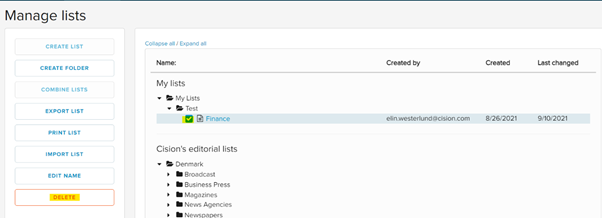
- Mark the lists that you want to delete by checking the box next to it, click DELETE.
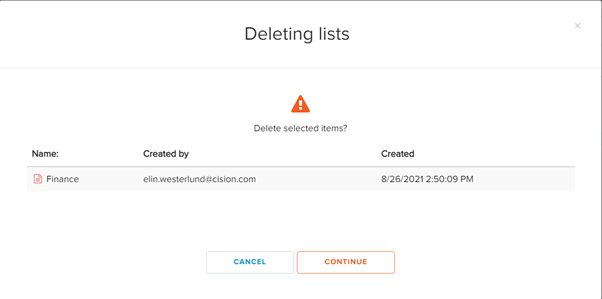
- Click CONTINUE.
- The list is now deleted.
OR
- Click Contacts – LISTS

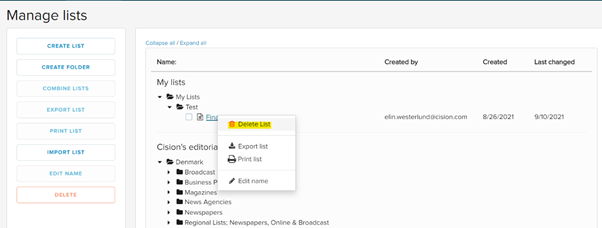
- Right click on the list that you want to delete, then press Delete lists.
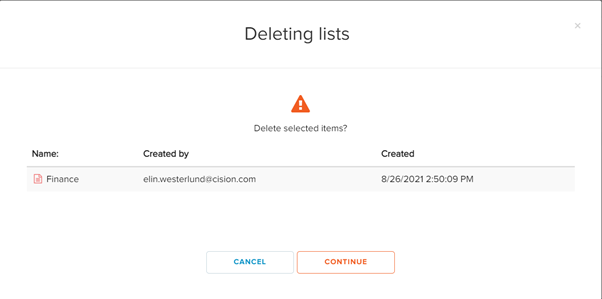
- Click CONTINUE
The list is now deleted.