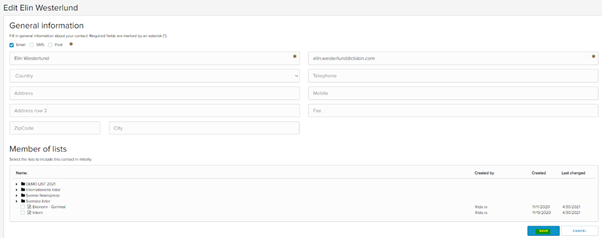
There are 2 ways to edit a new contact.
Through the search function
Through the contact card
To register a contact through the search function.
- Go to Contacts – SEARCH

- Enter the name or email address of the contact and click SEARCH
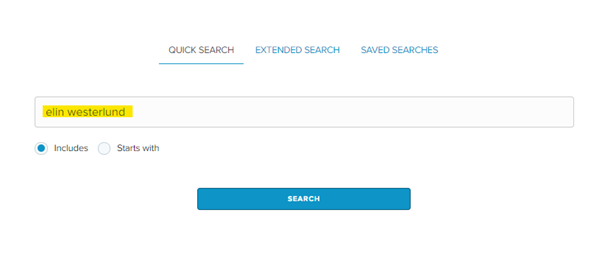
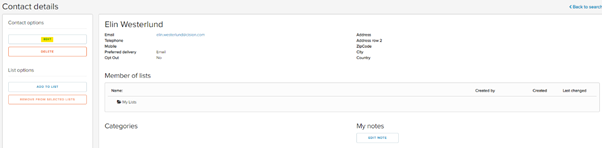
- Select the name on the contact you want to edit.

- Click EDIT
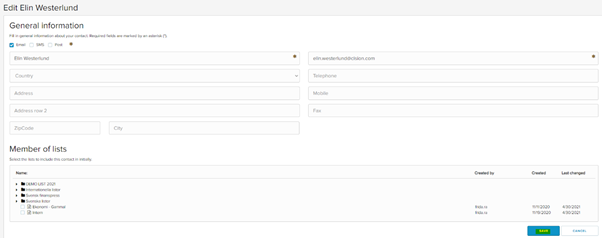
- Make the changers that you want to do. For example, change the email address, add information, or change what lists the contact should be in. Click SAVE.
To register a contact through the contact card.
- Go to Contacts – LISTS

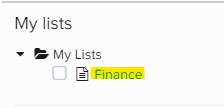
- Select the list that the contact is placed in.
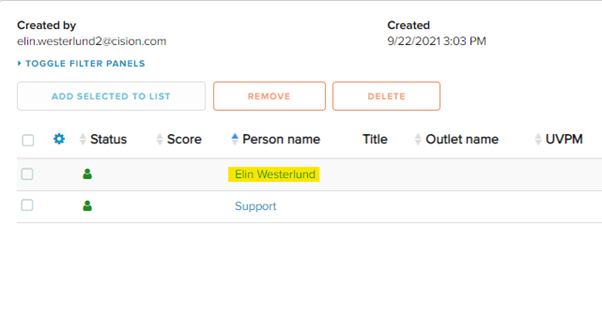
- Select the name of the contact you want to edit.
- Click EDIT.
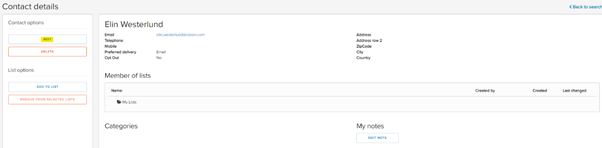
- Make the changes that you want to do. For example, change the email address, add information, or change what lists the contact should be in. Click SAVE.