
- Click Contacts - CREATE NEW

- Choose the way the contact wants to receive information from your company. Depending on the contact method, different fields will be mandatory by an asterix (*) being visible at the field.
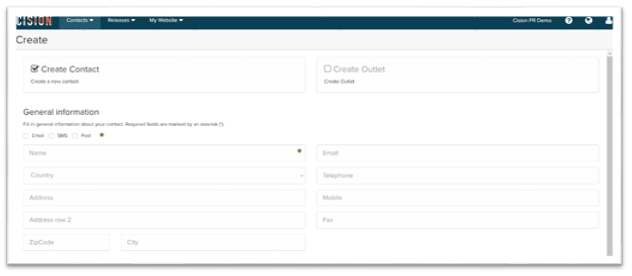
- Complete the mandatory fields.
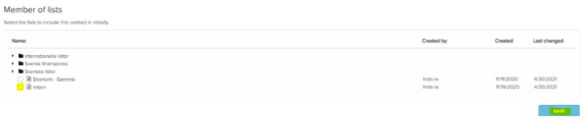
- Highlight which list(s) the contact should be included to
- Click SAVE
Note! All contacts that are created in CisionPoint on your account is a subject to GDPR regulations. You can read more about GDPR on our website: https://gdpr.cision.com/