1. Click Contacts – LISTS. 
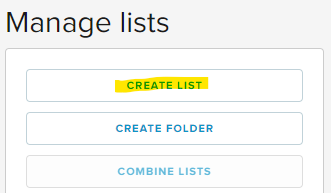
2. Select CREATE LIST.
3. Name the list and place it in a folder. Select CREATE NEW. 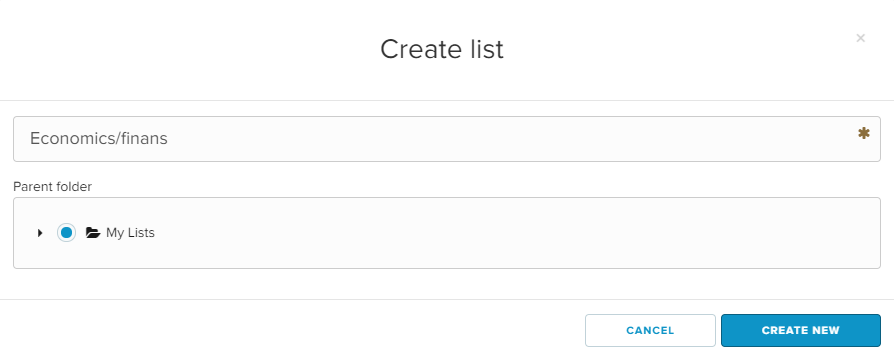
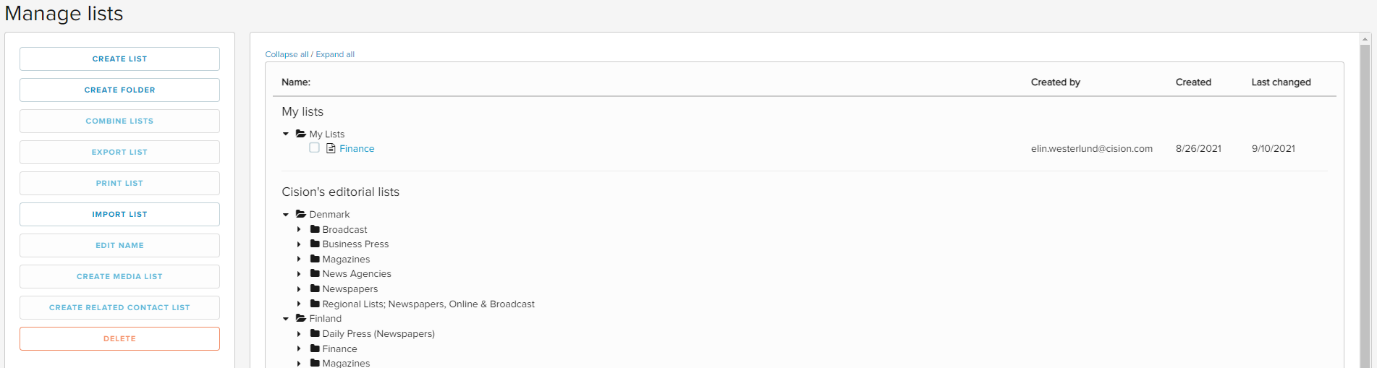
4. The list has now been placed in the chosen folder.
To search in the database and add contacts to the list: see HERE

1. Click Contacts – LISTS.
2. Select CREATE LIST.
3. Name the list and place it in a folder. Select CREATE NEW.
4. The list has now been placed in the chosen folder.
To search in the database and add contacts to the list: see HERE