
- Go to Releases – SETTINGS

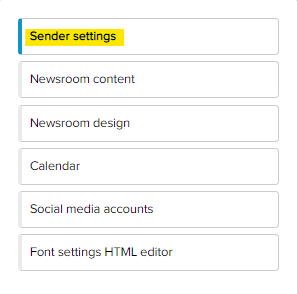
- Go to Sender settings.
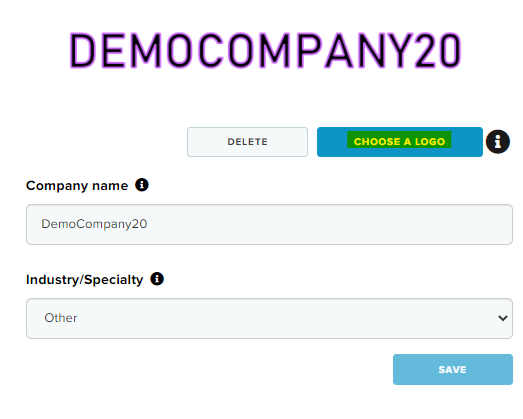
- Click CHOOSE A LOGO
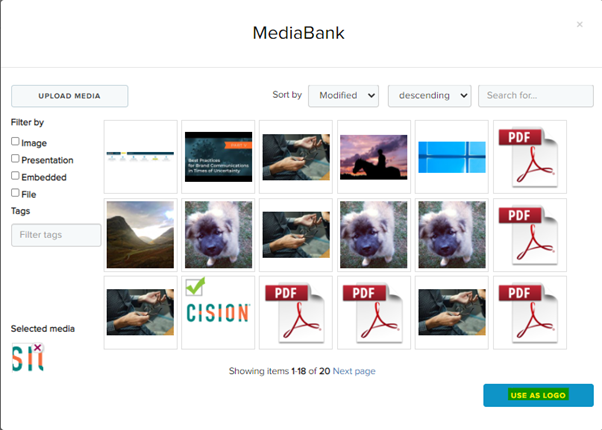
- Choose an image from your MediaBank or an image from your computer.
- Click USE AS LOGO
- Click SAVE
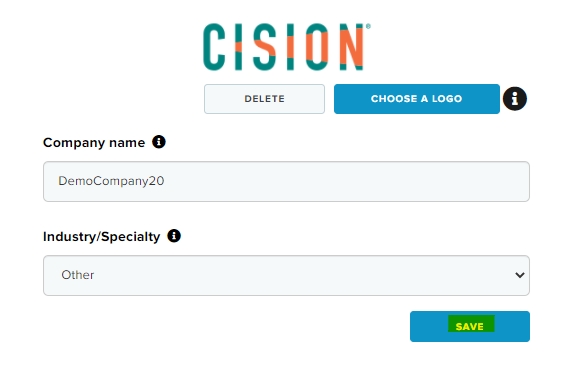
We recommend using files like PNG or JPEG for the best result and a pixel width of about 300 pixels.
If you want to know more about how to add an image to the MediaBank, there is an article called “Upload documents/images to the MediaBank”