
- Click the Personal icon – New user
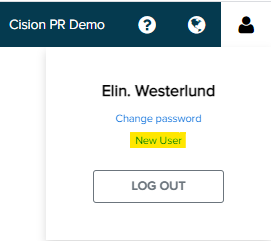
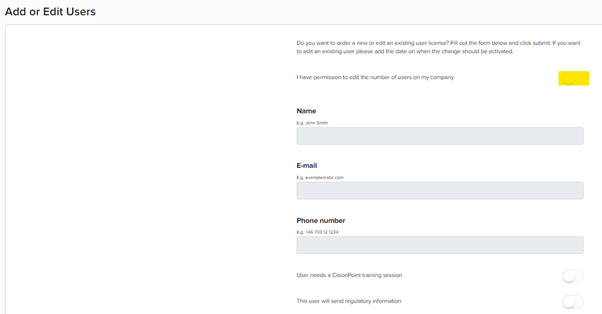
- Click the button next to I have permission to edit the number of users on my company.
- Fill in the fields for Name, Email, and Phone number (Mobile) with the new information.
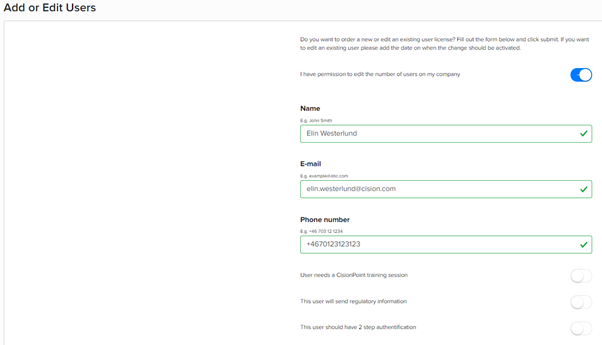
Note that we cannot add generic email addresses such as press@, info@, as well as email addresses from Hotmail, gmail, and similar domains.
- Click if the user needs training in the system as well as This user should have 2 step authentication.
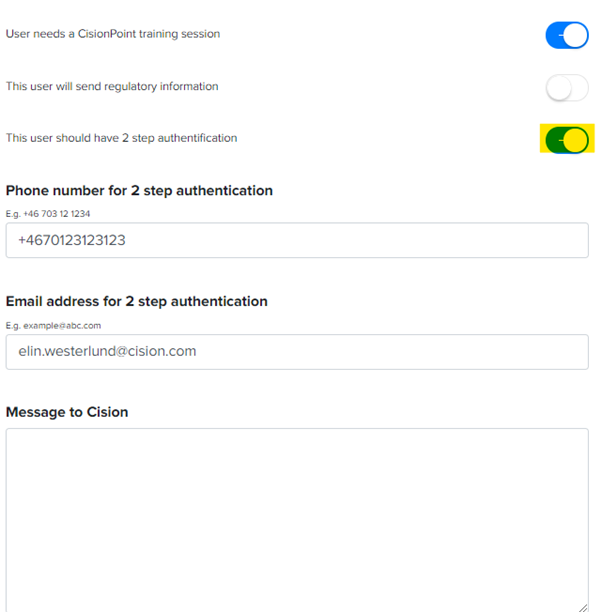
The system copies the information that you have added to the 2 step verification. If you want to change the Phone number or email address for verification, you can do so below.
- Enter any messages, for example, I have a new phone number, can you update my user, I have changed my last name so can you change my login with my new email address and name etc.
Click SEND. 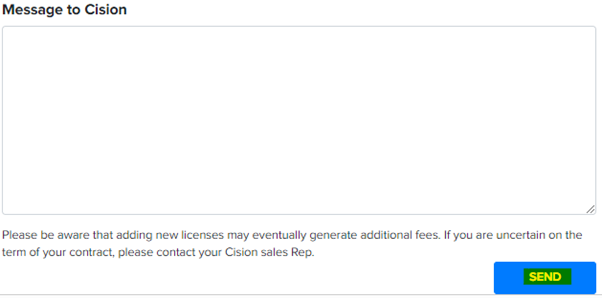
- Your order will be sent to the support