
- Go to Releases – MY RELEASES

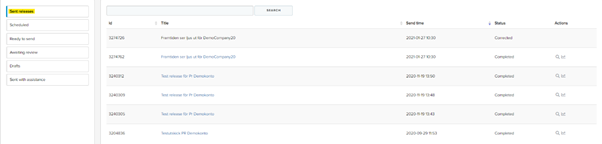
- Go to Sent releases. Click the title of the release you want to correct.
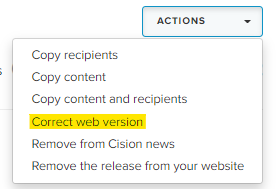
- Click ACTIONS – Correct Web version
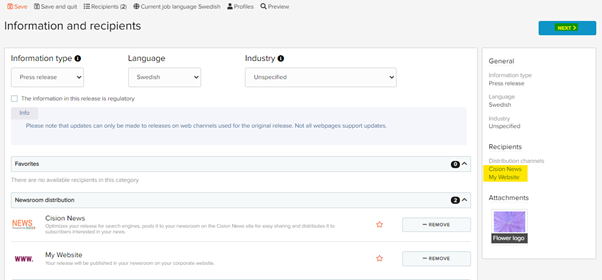
- In this step you will not have to click "Remove", the release will be unpublished from there if removed. Click NEXT.
- Make the corrections that is needed and to continue click NEXT
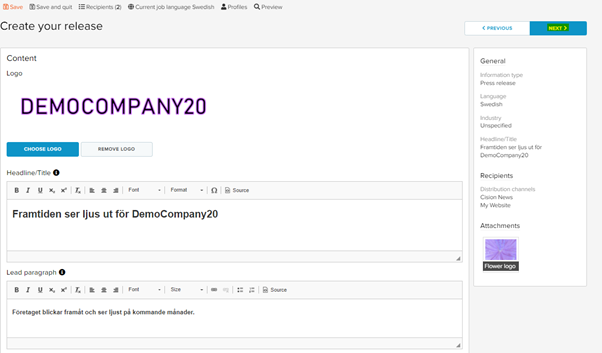
- Double check that the corrections you have made are correct. Click Publish settings.
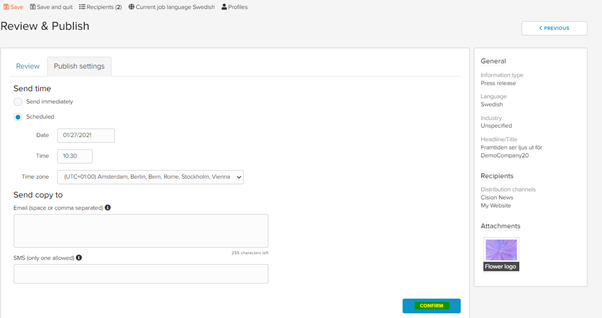
The original time will be shown and can not be changed. Click CONFIRM.
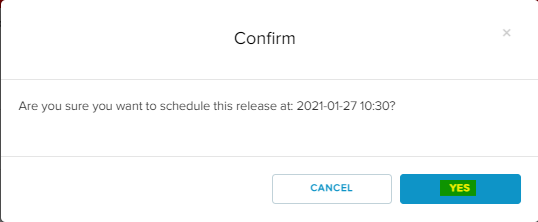
- Click YES
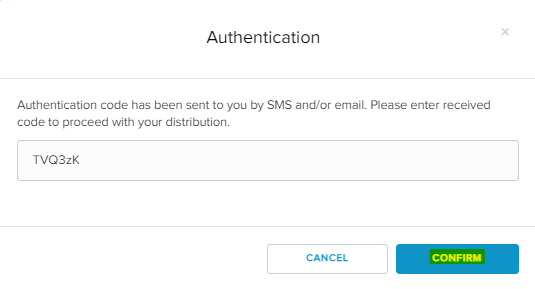
- A verification code will be sent to via SMS and E-mail.
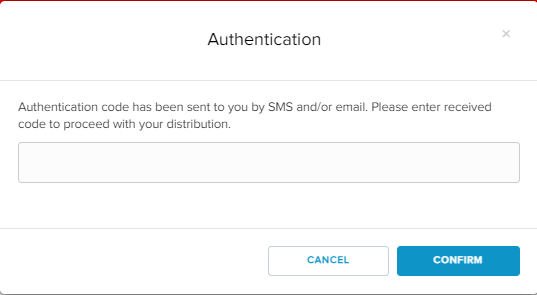
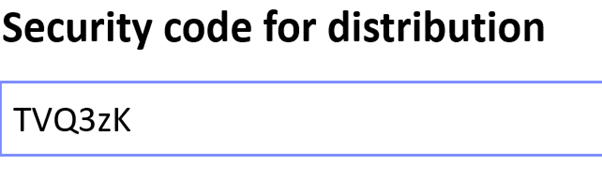
- Enter the code. Click CONFIRM
- Click OK
The correction is now complete.
Note that it may take a few minutes for the changes to take place.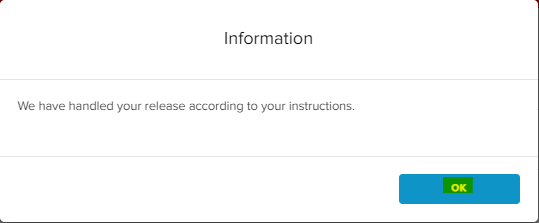
- You can now see the new version by clicking on the blue title.
The black one is no longer clickable.