
- You have to the opportunity to review the release and the recipients.
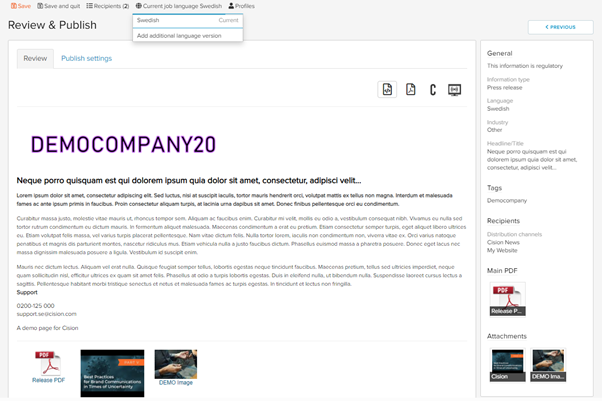
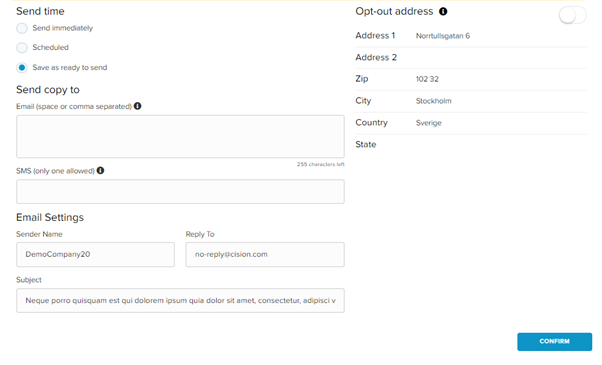
- Click Publish settings
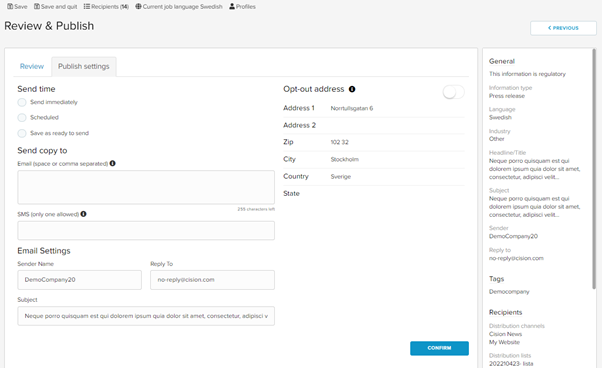
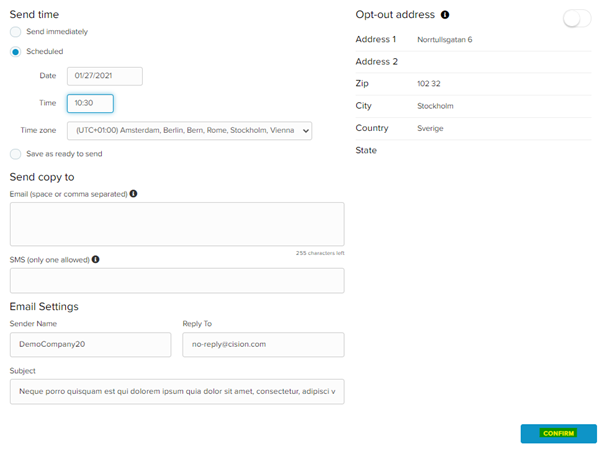
You can send the release in three different ways, Send Immediately, Scheduled, and Save as ready to send.
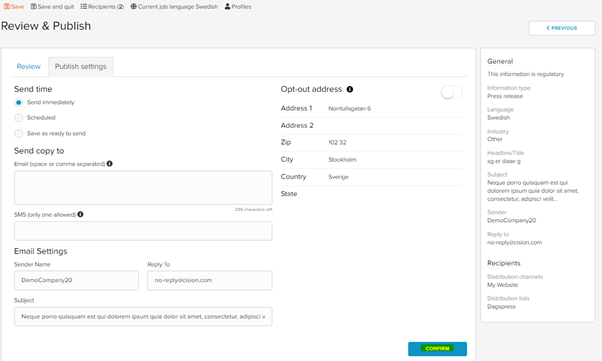
Send Immediately
- Check the alternative and click CONFIRM
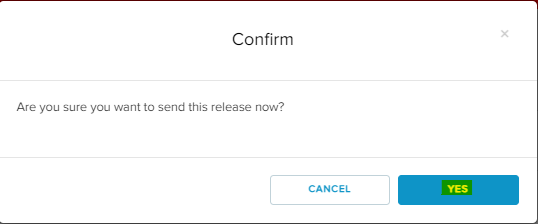
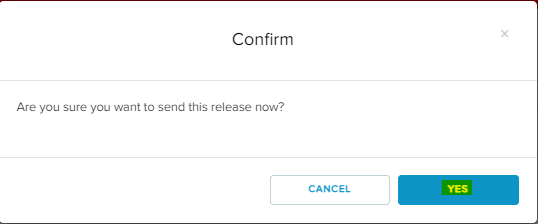
- Click YES
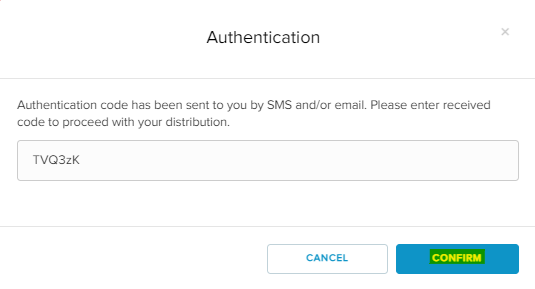
- A verification code till be sent to you via SMS and Email.
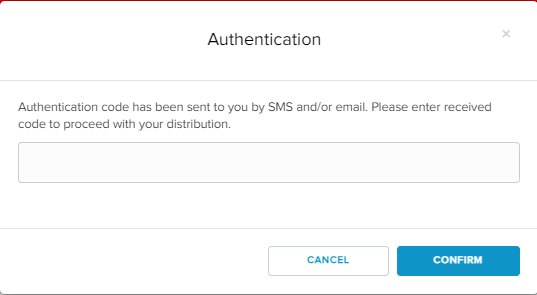
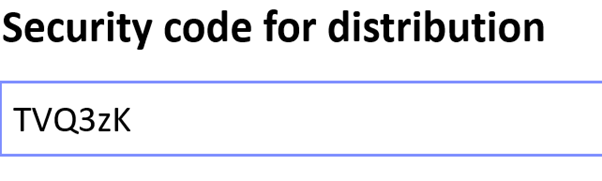
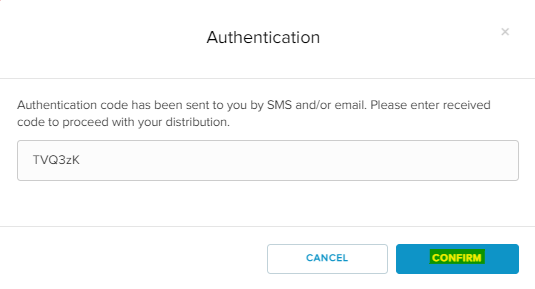
- Enter the code. Click CONFIRM
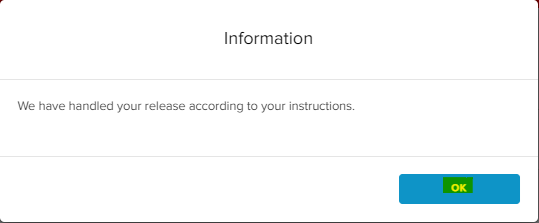
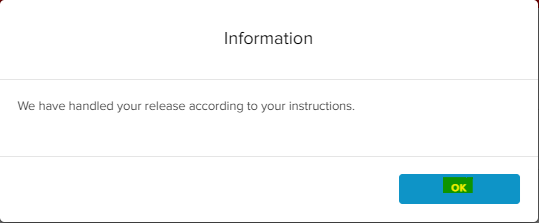
- The release has now been handled.
Scheduled
- Enter the date and time of the release and click CONFIRM
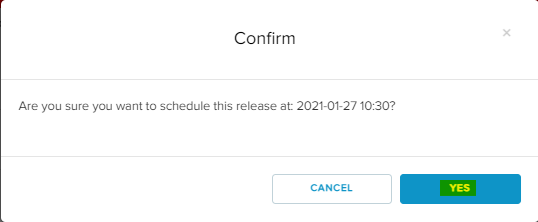
- Click YES
- A verification code till be sent to you via SMS and Email.
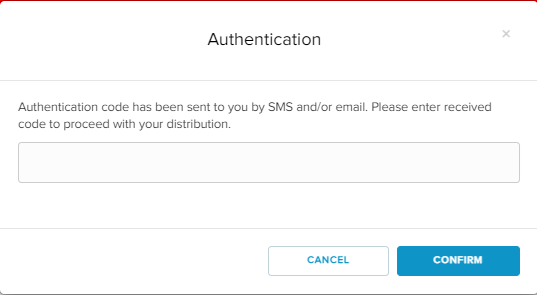
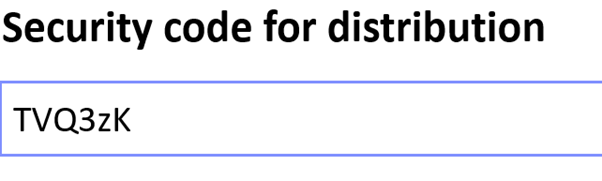
- Enter the code. Click CONFIRM
- The scheduling is now complete, and the release is now waiting to go out at the given date and time.
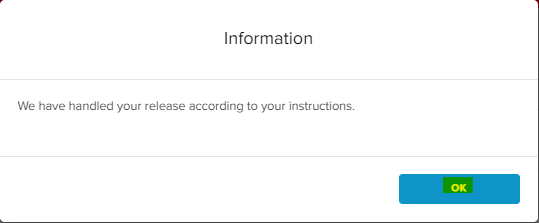
- Click OK
Save as ready to send
- Click Save as ready to send, click CONFIRM.
- Click YES
- The release is now saved and is ready to send.
- You will find it under Releases – My Releases – Ready to send

- To send out the release, highlight the box and click SEND SELECTED RELEASES NOW
